Harlowe CSS#
Harlowe strongly encourages authors to style stories through using macros and named hooks.
Named Hooks#
Page#
?Page: Affects the <tw-story> element.
Example:
(enchant: ?Page, (text-color: yellow) + (text-style:'bold'))
Yellow text in a bold style!
Example Presentation:

Passage#
?Passage: Affects the <tw-passage> element), allowing (text-colour:), (font:), or (css:) usage with text content.
Example:
(enchant: ?Passage, (text-color: green) + (background: red))
Red background and green text!
Example Presentation:

Sidebar#
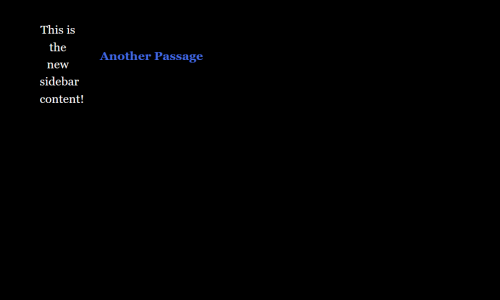
?Sidebar: Affects the <tw-sidebar> element, allowing macros like (replace:) or (append:) to change text content.
Example:
(replace: ?Sidebar)[This is the new sidebar content!]

[[Another Passage]]
Example Presentation:
Link#
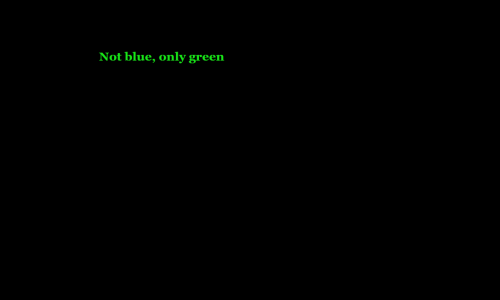
?Link: Affects all of the links (passage links and (link:)) in the passage.
Example:
(enchant: ?Link, (color: green) )

[[Not blue, only green]]
Example Presentation:
Overwriting Harlowe CSS#
Warning
Overwriting existing CSS rules is an advanced technique. It has the potential to significantly change the presentation of content.
All Harlowe stories follow the same HTML structure.
tw-passage#
Like working with ?Passage, using the type selector with tw-passage allows for overriding or augmenting the existing declarations.
tw-passage { /* Your CSS Here */ }
tw-link#
When creating hyperlinks, Harlowe uses the <tw-link> element.
tw-link {/* Your CSS Here */ }